ELK Credit
Finance

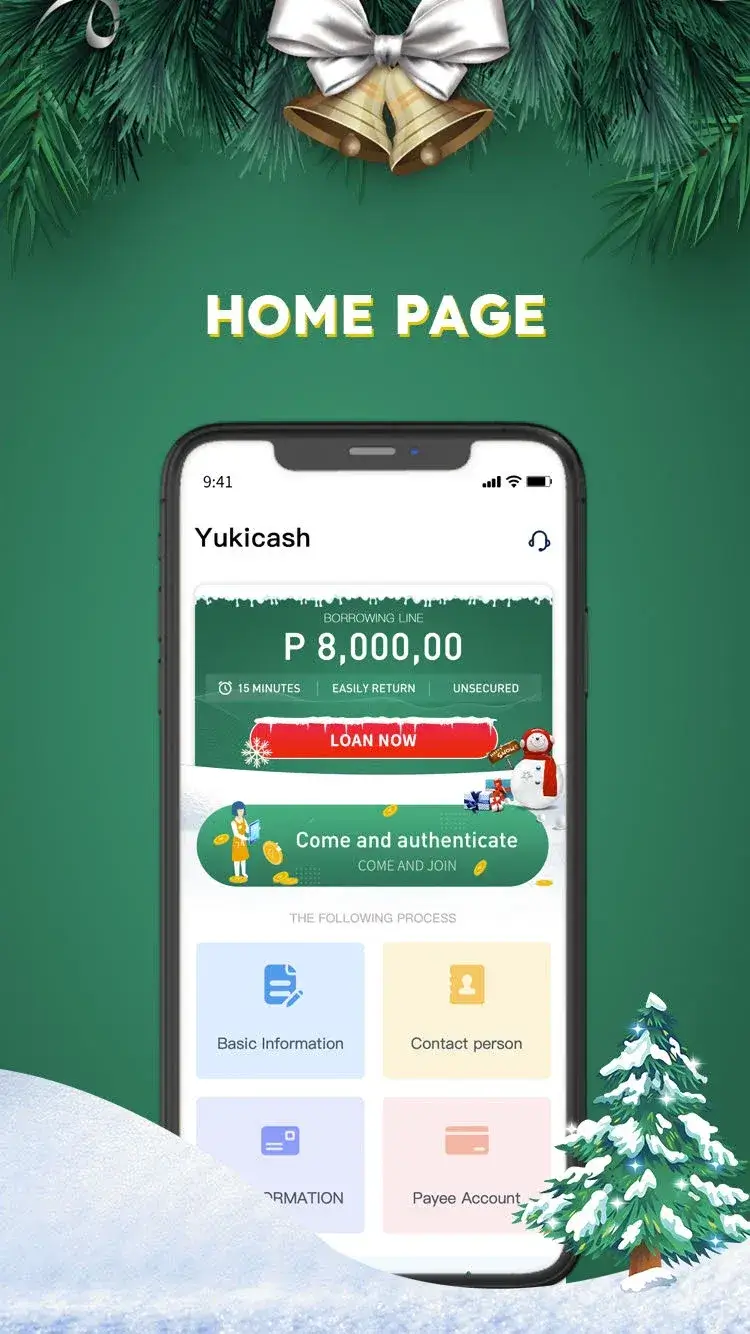

ELK Credit is a finance‑focused Android app that helps users apply for personal loans quickly and responsibly. Backed by ELK‑Desa Resources Berhad, the service aims to simplify borrowing for everyday needs such as household expenses or family support.
This page provides the latest APK details, installation guidance, and practical tips for using the app safely on your device.
Quick Information
| App/Game Name | ELK Credit |
| Latest Version | 1.2.0 |
| Developer | Not listed |
| Category | Apps / Finance |
| App Size | 24 MB |
| Package Name | uni.UNIDB04EB6EL |
| Last Updated | 5 January 2026 |
What Is ELK Credit?
ELK Credit connects borrowers with loan products offered by ELK‑Desa Resources. The app streamlines the application process: users can submit personal information, receive loan offers, and manage repayments directly from their phone. It is designed for individuals seeking short‑term financial assistance without the paperwork of traditional banks.
The core features include:
- Simple loan application form
- Real‑time loan eligibility check
- In‑app repayment tracking
- Secure data handling
ELK Credit does not claim to be a credit scoring service; it merely facilitates access to loans provided by its parent company.
Compatibility
| Android Version | ✓ Verified — 5.0 and up |
| Architecture (ARM64 / 32-bit) | Not Verified |
| Internet Connection | ✓ Verified — May be required for ads, updates, or login |
| Storage Needed | Not Verified |
| OBB/Data Files | Not Verified |
| Root Required | Not Verified |
How to Install
- Enable Install unknown apps for the browser or file manager you will use (Settings → Apps → Special app access → Install unknown apps).
- Download the ELK Credit APK file to your device.
- Open the downloaded file and tap Install.
- Once installation finishes, launch the app from the app drawer.
- Follow the on‑screen prompts to create an account or log in.
Troubleshooting
- App not installed: Verify that your device allows installations from unknown sources and that there is enough free storage.
- Crashes on startup: Clear the app cache (Settings → Apps → ELK Credit → Storage → Clear cache) or reinstall the APK.
- Login or loan eligibility issues: Ensure you have a stable internet connection and that your personal details match the information on file with ELK‑Desa Resources.
- Notifications not appearing: Check that notification permissions are granted (Settings → Apps → ELK Credit → Notifications).
Safety & Security
ELK Credit is a modified version of the official app; however, the build is not flagged as a MOD. As with any third‑party APK, verify the source before downloading. Review the permissions the app requests during installation—any request unrelated to loan processing (e.g., access to contacts or SMS) should be scrutinized.
Because the app handles personal and financial data, avoid entering sensitive information on devices that are rooted or lack a lock screen. Keep the app updated to benefit from security patches released by the developer.
How ELK Credit Compares
| Feature | ELK Credit | PaySense | Cred |
|---|---|---|---|
| Price / Free model | Free (loan fees apply) | Free (interest on loans) | Free (interest on loans) |
| Platform availability | Android | Android & iOS | Android & iOS |
| Standout feature | Direct link to ELK‑Desa Resources lending | Instant loan approval via AI | Reward points for timely repayments |
| Best for | Users preferring a single‑provider loan service | Quick, data‑driven loan offers | Borrowers who value rewards and credit building |
Alternatives
If ELK Credit does not meet your needs, consider these well‑known finance apps:
- PaySense – Offers personal loans with a fast approval process and flexible repayment options.
- Cred – Focuses on credit‑card bill payments and provides loan facilities with reward incentives.
- KreditBee – Provides small‑ticket loans for students and young professionals, emphasizing minimal documentation.
Final Verdict
ELK Credit is suitable for users who trust ELK‑Desa Resources and want a straightforward way to apply for personal loans on Android. The app’s simplicity is its main strength, but prospective borrowers should verify loan terms and be comfortable with the permissions the app requires. Ensure you download the APK from a reputable source and keep the app updated for the best experience.
Frequently Asked Questions
The app is backed by ELK‑Desa Resources, but you should download it from a trusted source and review the permissions it requests before installing.
ELK Credit works on Android 6.0 (Marshmallow) and newer; however, newer versions provide better performance and security.
Yes, an active internet connection is required for loan applications, eligibility checks, and repayment updates.
Core features such as checking loan status or making a new application need internet; offline use is limited to viewing previously saved information.
Use the 'Forgot Password' link on the login screen; you will receive a reset link via the email address associated with your account.
The app itself is free to download; any costs come from loan interest and fees, not from a separate premium version.
Yes, you can replace the Play Store version with the APK, but you may lose automatic updates and should back up any important data first.
Check that your device allows installations from unknown sources, ensure there is enough storage space, and verify that the APK matches your device’s architecture.